
Live translation used to mean booking interpreters weeks ahead or hiring a crate of headsets. It doesn't any more. With SpanVoice, the speaker uses the microphone that is already in the room and everyone reads along in their own language, on their own phone.
The short answer: captions cost A$1.05 per hour for each language (prices as at October 2026). A one-hour talk translated into two languages costs A$2.10. There is no monthly fee and no charge per person.
SpanVoice is built and run by ARKNET, so this is our own product. We've kept the numbers plain so you can check them against any other quote you get.
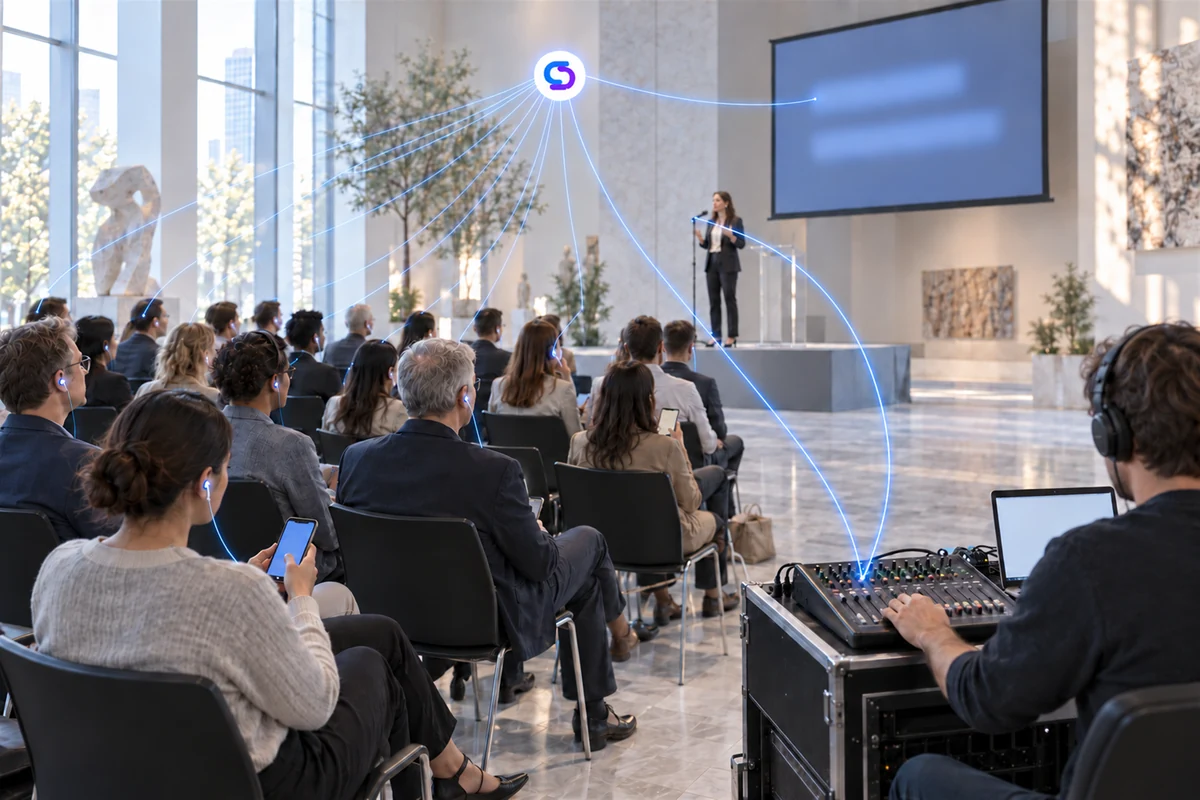
How it works
- You send the audio. Either the Windows desk app takes the signal straight off your mixer, or any browser on a laptop, tablet or phone picks up the sound.
- The servers translate it. Speech is turned into text and translated into every language your audience picked. It runs from servers in Australia, Europe or the US, whichever is closest to your venue.
- The words show up everywhere at once. On every phone in the room, on the screen at the front, and over your live stream. Spoken translation through people's own earbuds is optional.
There's a longer walk-through on the how it works page.
What it costs
- Captions: A$1.05 per hour, per language
- Spoken translation (optional): A$0.04 per minute, which is A$2.40 an hour per language
- A$10 of free credit to start, no credit card needed
- No monthly fee, no minimum, no per-person charge, and credit never expires
Some typical events, captions only:
| Event | Hours | Languages | Cost |
|---|---|---|---|
| Sunday church service | 1.5 | 2 | A$3.15 |
| School information evening | 2 | 3 | A$6.30 |
| Full-day conference | 7 | 4 | A$29.40 |
| Two-day conference | 14 | 4 | A$58.80 |
You can put in your own hours and languages with the event cost calculator, or see the full pricing page.
Compared with interpreters and headset hire
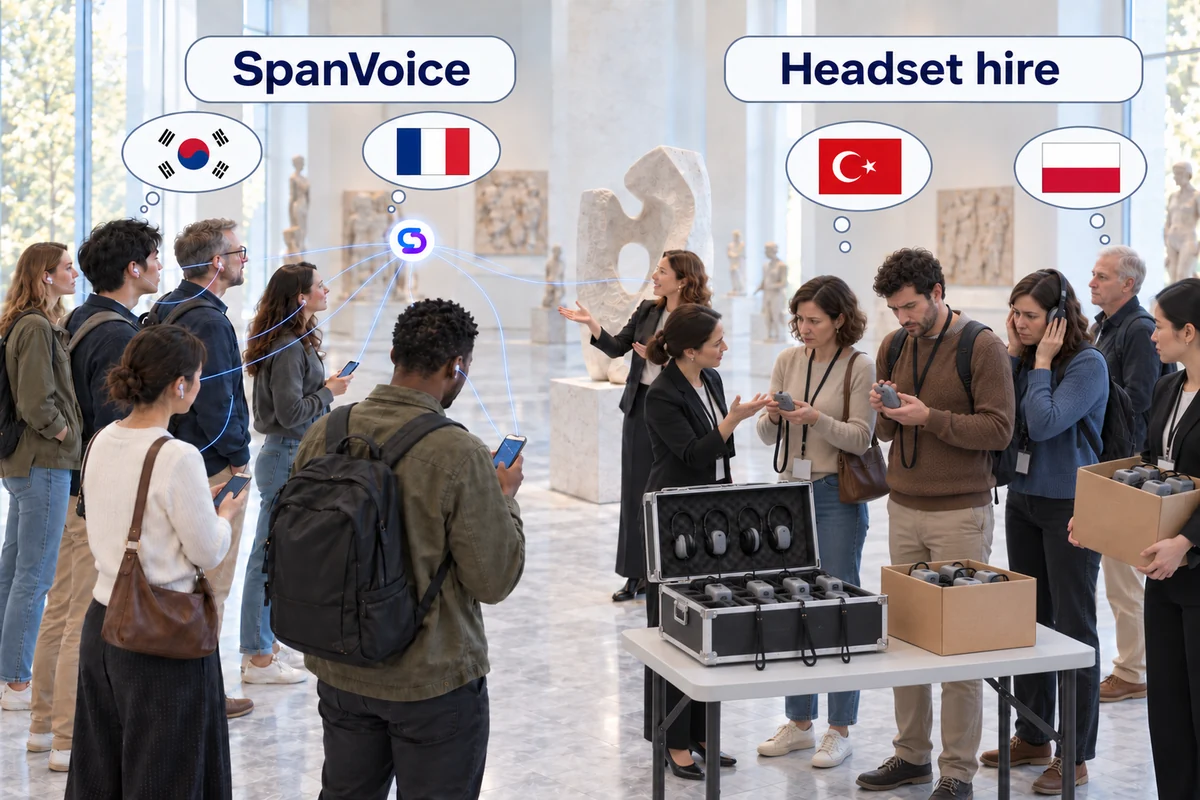
| Interpreters | Headset hire | SpanVoice | |
|---|---|---|---|
| How you pay | A day rate per interpreter, usually two per language | Per receiver per day, plus transmitter, delivery and deposit | Per hour, per language |
| Booking | Weeks ahead, for a fixed date | Order units in advance | Start when you like |
| Another language | Another interpreting team | Another channel and transmitter | Switch it on |
| What the audience needs | A receiver handed out at the door | A receiver and earpiece each | The phone they brought |
| Late changes | A cancellation window | Run short and latecomers miss out | Pause, add a language, stop |
For a courtroom or a medical appointment you still want a qualified interpreter. For a room full of people following a talk, a service or a briefing, paying by the hour makes a lot more sense. The detail is on the interpreter comparison and headset hire comparison pages.
Where it's used
Churches and places of worship
A volunteer has to get the room ready at the same time every week, often with no technician around. The desk app sits on the sound desk computer and the congregation follows on their phones. See how it runs in a church.
Conferences and AGMs
Delegates arrive late, leave early and move between rooms. One link on the screen covers the whole day, every session and every language. More on live translation for conferences.
Workplaces
Toolbox talks, inductions and safety training only work if everyone understood them. Staff read the briefing in their own language as it happens. See SpanVoice for workplaces.
Councils and public meetings
Public access and an accurate record matter in a council chamber. Residents can follow a meeting or a consultation in their own language. Read about councils and public meetings.
Schools and lectures
Parents at an information evening or students in a lecture hall don't have attention to spare. Captions let them keep up without asking someone next to them. More for schools and education.
Community and cultural events
Weddings, funerals, welcome nights and festivals, usually in a borrowed hall with no budget for equipment. Guests bring the languages, and their phones. See community and cultural events.
Tours and guided visits
The group is spread over thirty metres and there's no screen or sound desk, only the phone in each visitor's pocket. That is enough. Read about tours and guided visits.
There's an overview of every kind of room on the SpanVoice site.
What you need on the day
- The microphone you already use
- A computer at the sound desk, or any device with a browser
- A screen at the front if you want room captions (optional)
- Your audience's own phones, with nothing to install
SpanVoice covers 60 languages, and people can switch language at any time.
Common questions
Do people need to install an app? No. Each person opens a link in the browser on their own phone and picks a language.
Does it cost more with a bigger audience? No. Fifty people or five hundred pay the same. You pay for the hours you run and the languages that are switched on.
Can I try it before paying? Yes. New accounts get A$10 of free credit with no credit card, roughly 9 one-hour events in one language, and it never expires.
Is there a contract or monthly fee? No. There is no monthly fee, no minimum and nothing to cancel.
Can the captions go on our live stream? Yes. Add the caption bar to OBS, vMix or similar as a browser source and viewers at home see them too.
Try it at your next event
The easiest way to see it is to run it once. Start free with A$10 of credit on SpanVoice, or work out what your event would cost first.